
To move a payment to a different patient, follow these steps:
- Log in to Crown.
- Click Transactions in the left-hand navigation menu.
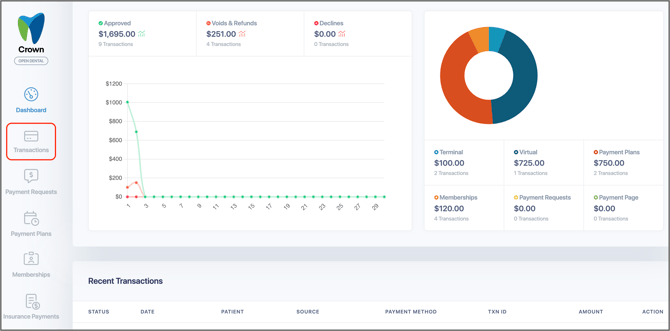
- Locate the patient transaction you want to move.
- Click the three-dots on the right side of the transaction.
- Select Move Payment. This option allows you to reassign the transaction to a different patient record.
- Manually move the payment between patients on Open Dental or contact Moolah support for the payment to be pushed to Open Dental so it will post to the correct patient.
Moolah Support Phone: 800 625 1670 Email: support@moolah.cc